Plan it, perform it, finish it, retrieve it. “Give me a workout” is easy to ask. A useful session also has to fit your time, equipment, and training history—and remain usable when you get to the gym. Nexus lets the conversation lead into a workout session with exercises and sets you can work through.
Connect Nexus once in ChatGPT or Claude. After that, use the chat you already open on your phone. There is no separate Nexus fitness app to download.
Give the plan real constraints
Nexus, make me a 35-minute pull workout using cables and dumbbells. Look at my recent workout history before choosing the exercises.
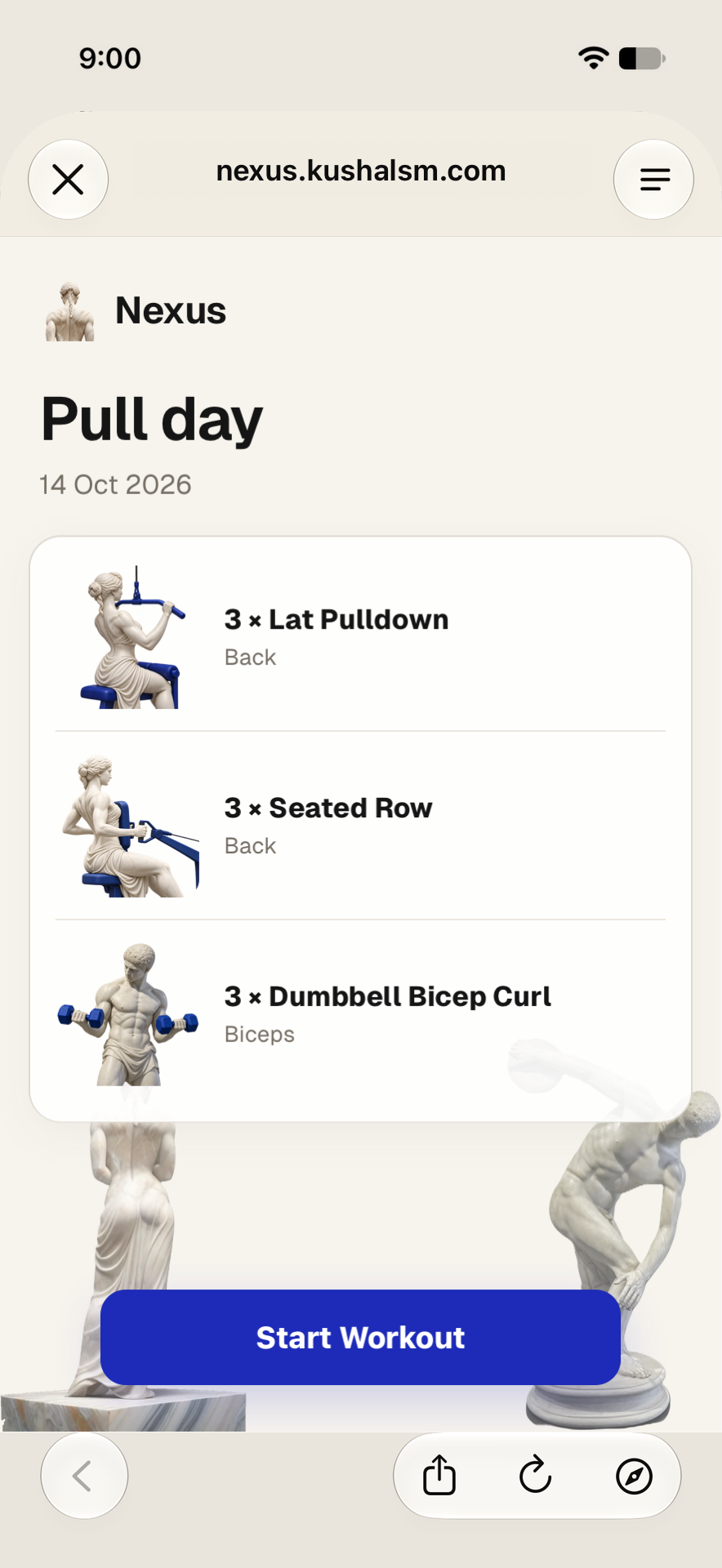
Time and equipment change the plan. So do your recent sessions. Ask the assistant to read Nexus history when you want it to account for what you actually trained. If you have no saved history yet, tell it your experience and constraints rather than expecting a personalised record to exist.
Be direct about the outcome: you want a session you can follow, not just a paragraph of exercise suggestions.
Read the exercises before starting
The session presents exercises and target sets. Nexus’s exercise artwork uses ivory figures and cobalt equipment, so the movement has a visual reference alongside its name. The art is part of the product interface, not a separate workout video.
You can inspect the exercise-art update and its full-resolution artwork. The illustrated session here is captured from the released workout client, with the same exercise artwork it serves.
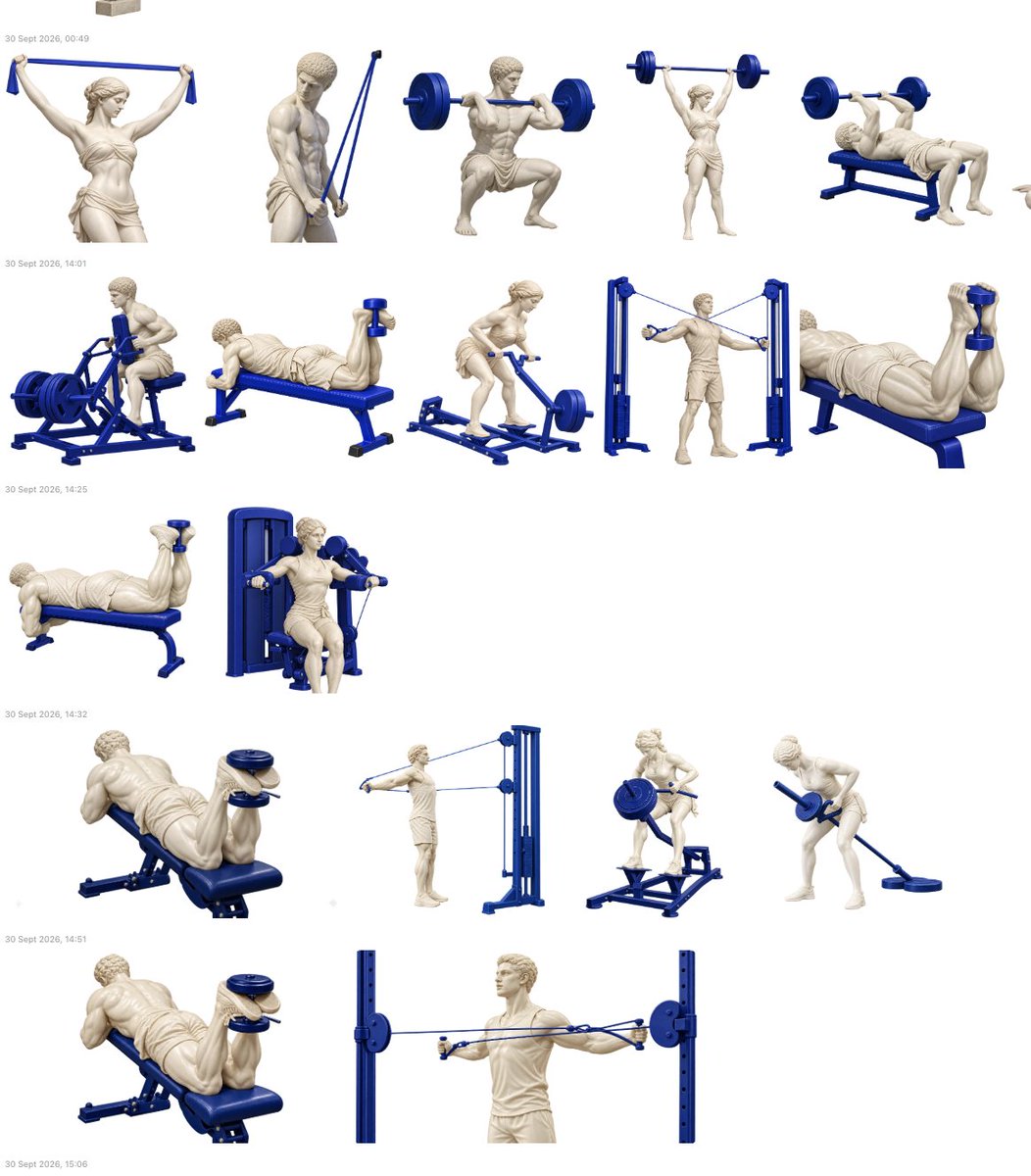
Check the exercise selection and targets before you begin. A plan is a proposal for what to do, not evidence that you have completed it.
Change the plan in the conversation
Swap Seated Row for a one-arm dumbbell row. Keep the session within 35 minutes.
Keep the change specific. Ask to replace one exercise, change a target, or rearrange the order rather than producing a second unrelated plan. The assistant can update the session while preserving the rest of the work.
If you have already started checking off sets, tell it you want to update that existing session. The plan you can currently open should reflect the change.
Follow the session and record what happened
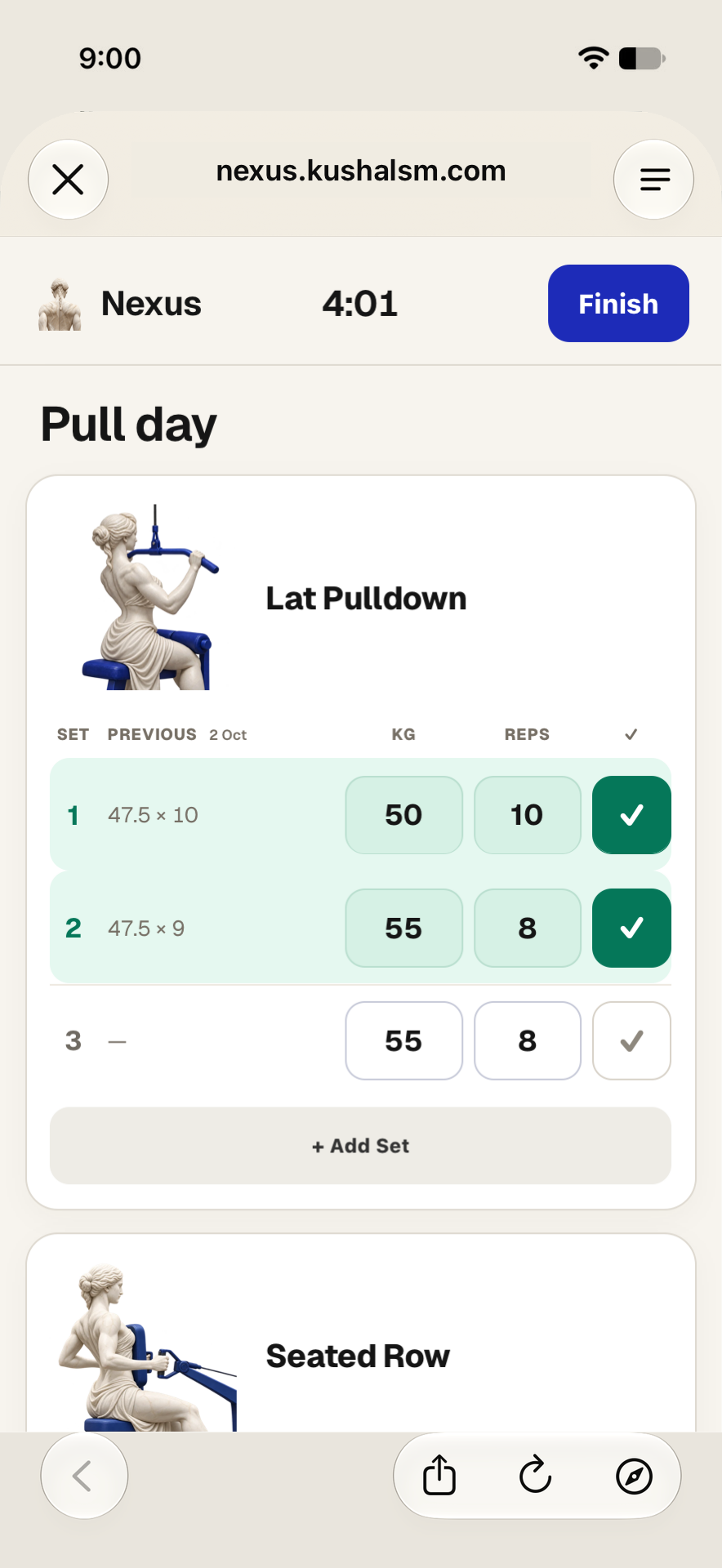
Open the session from its returned link and use its set controls as you train. Enter the actual repetitions and load when they differ from the targets. Check off the sets you complete.
The session can open in a workout view outside the chat. There is no separate Nexus app download, but “no separate app” does not mean every session control is embedded in the chat itself.
Checked sets are session progress. They do not become completed workout logs just because they are ticked. Use Finish when you are done.
Finish, then verify the log
Nexus, show the workout I just finished, including the sets I completed.
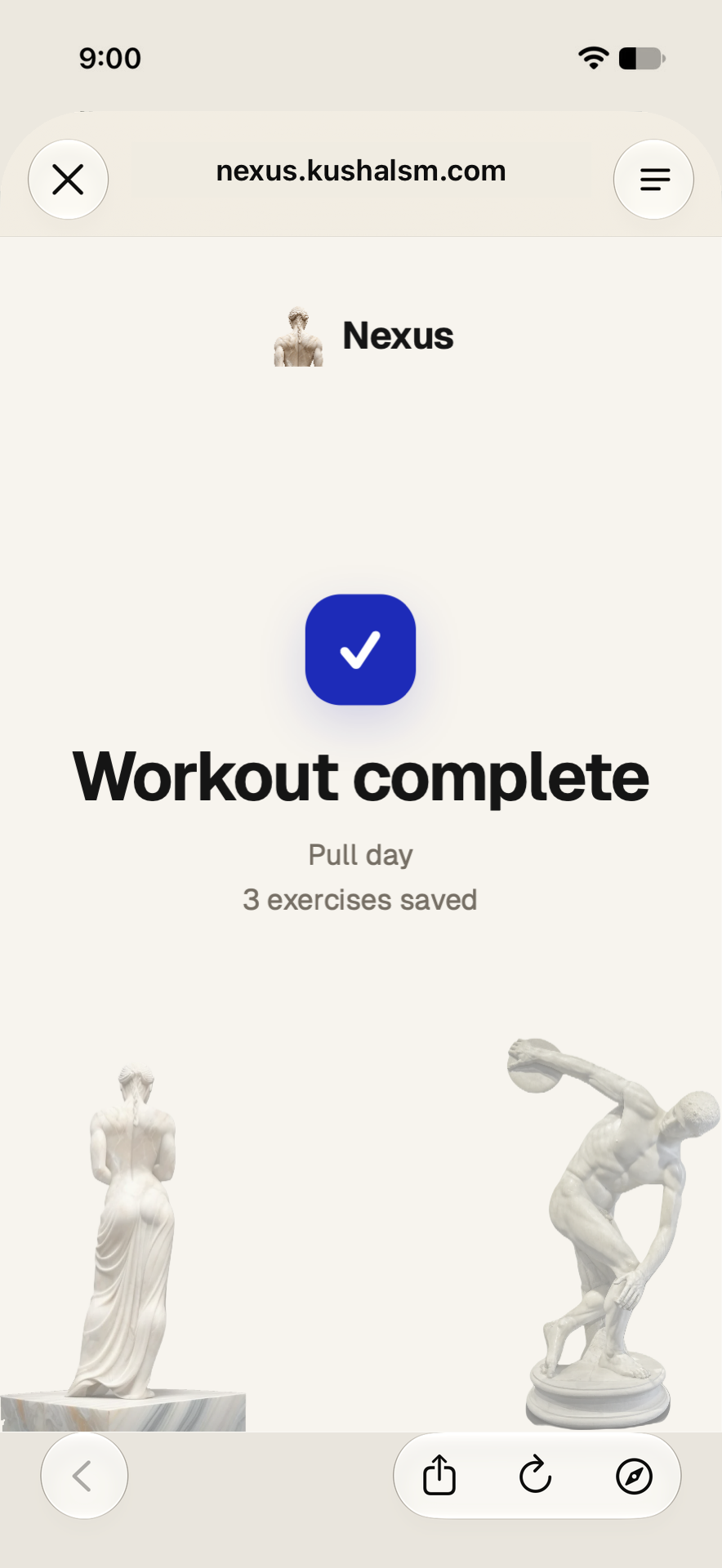
Finishing is the step that records the completed work. Check the returned history against the session: the exercise names, loads, and repetitions should match what you did. If you stopped early, the log should describe the work you actually completed, not every target in the original plan.
If you only want to record a session you have already done, you can skip planning and use the completed-workout logging flow.
Let the next session start with this one
Nexus, look at my last pull session and make the next one with the same equipment.
The useful loop is plan, perform, finish, retrieve. The next conversation has an actual workout to refer to. You can ask what changed, repeat the structure, or explain what felt too long.
That is the case for keeping planning and logging together: less reconstructing what happened, more using the history you already saved. Connect Nexus to start with a session that fits your equipment.