JSON catalog · Read the plain-text index · Sitemap
Browse the screens
Browse the phone screens here, or open any image at full resolution. Chat views use a scripted iPhone ChatGPT shell; session views show the linked workout page. These demos use synthetic data and the released Nexus UI. The Voice screen comes from an actual phone recording. Source details and image hashes are in the JSON catalog.
Log a meal
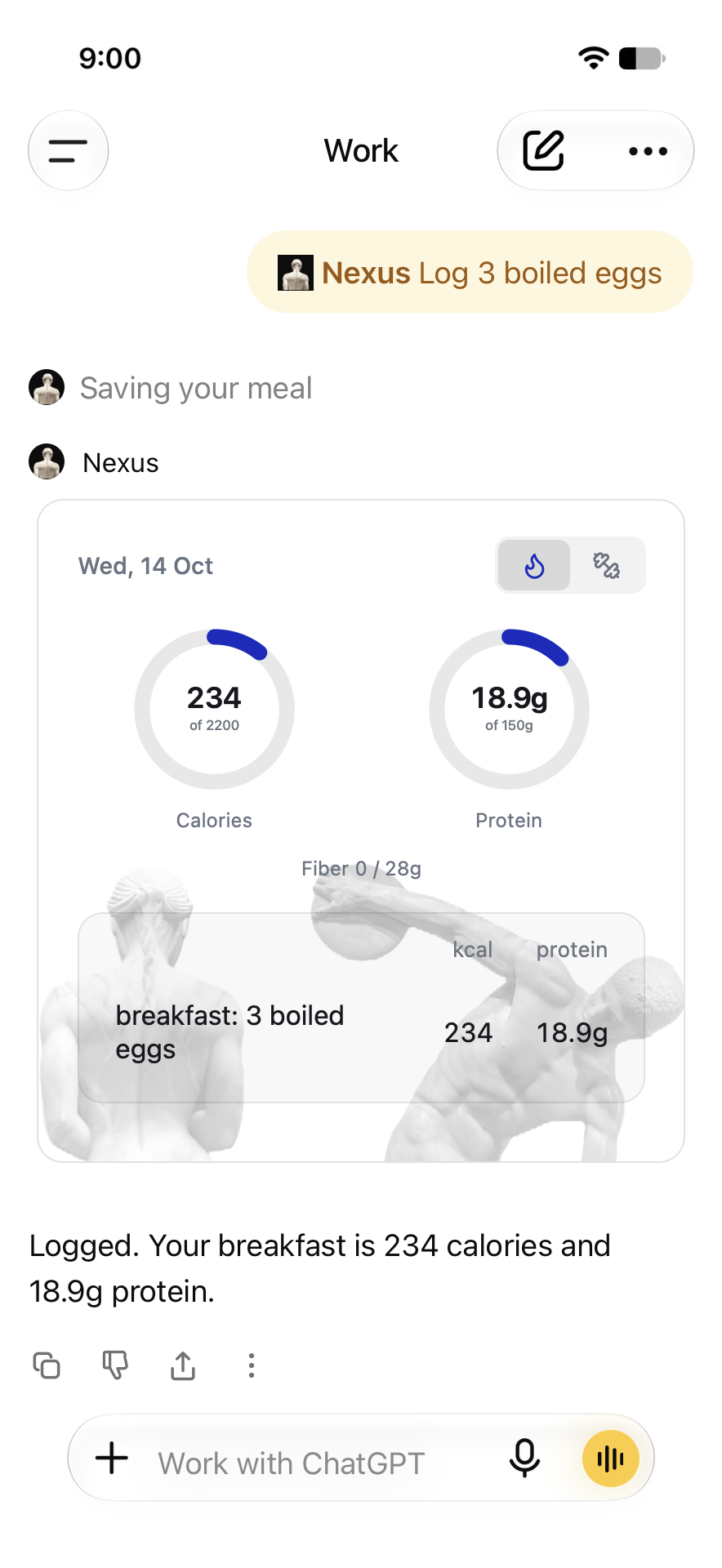 Open full-resolution image: Log a meal
Scripted demo · released Nexus UI · 14 Oct 2026.
Log a workout
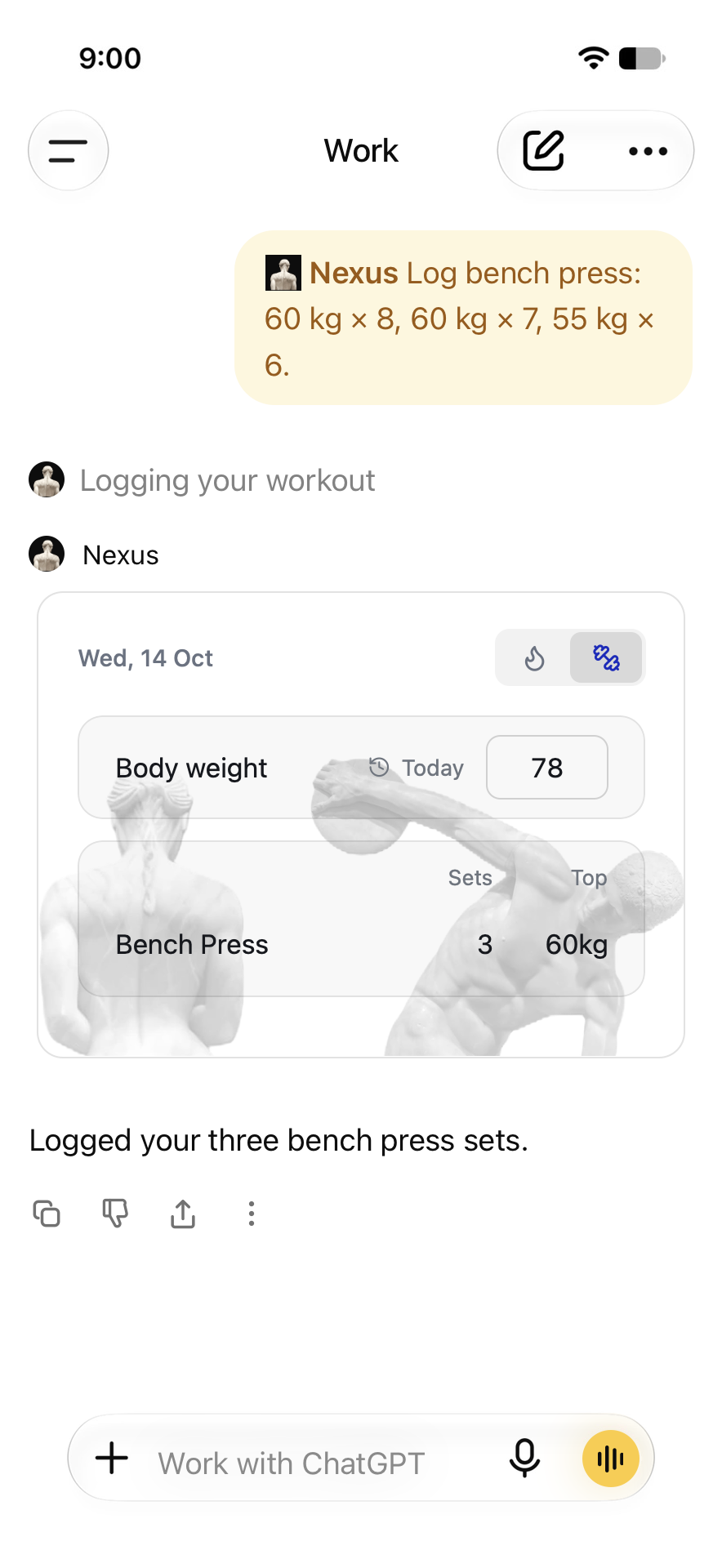 Open full-resolution image: Log a workout
Scripted demo · released Nexus UI · 14 Oct 2026.
Plan a session
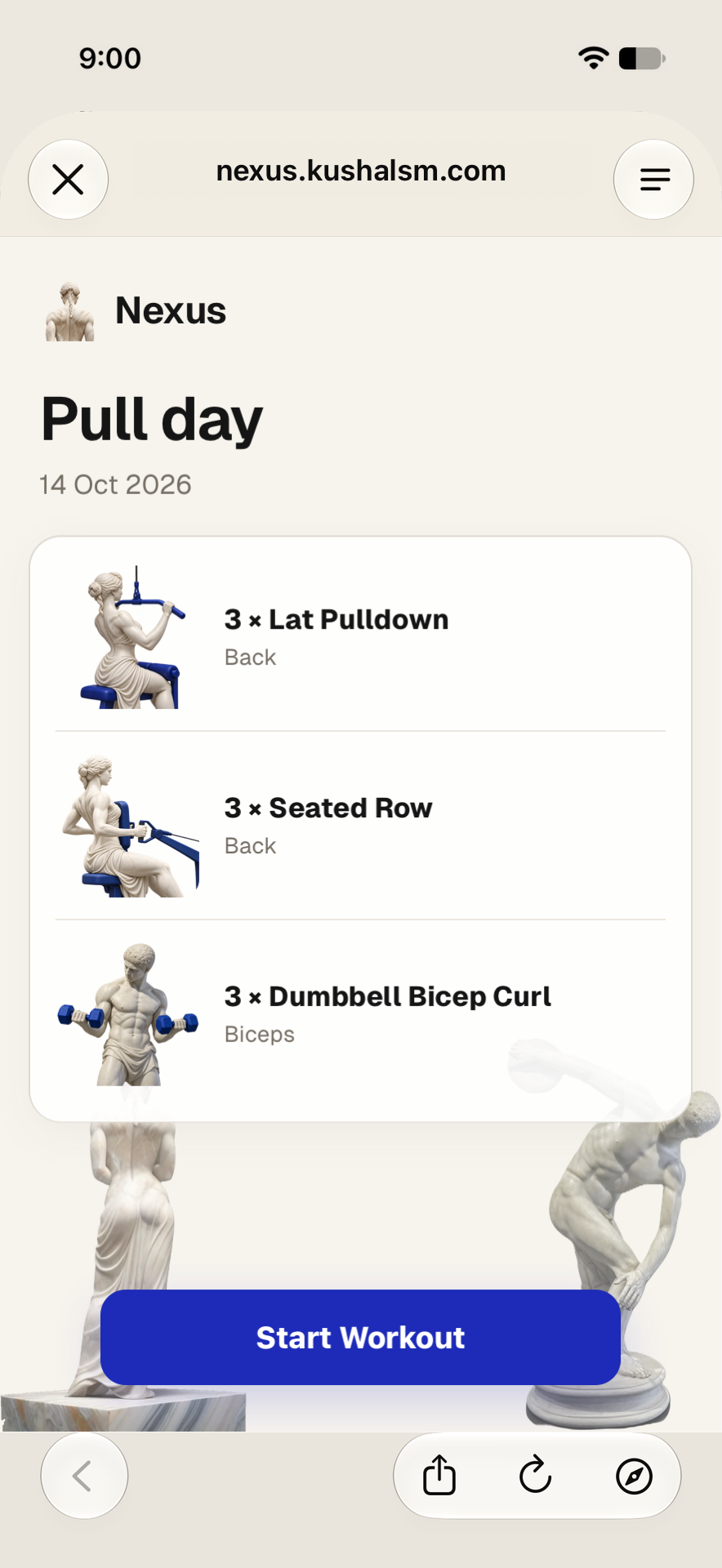 Open full-resolution image: Plan a session
Scripted demo · released Nexus UI · 14 Oct 2026.
Start with a photo
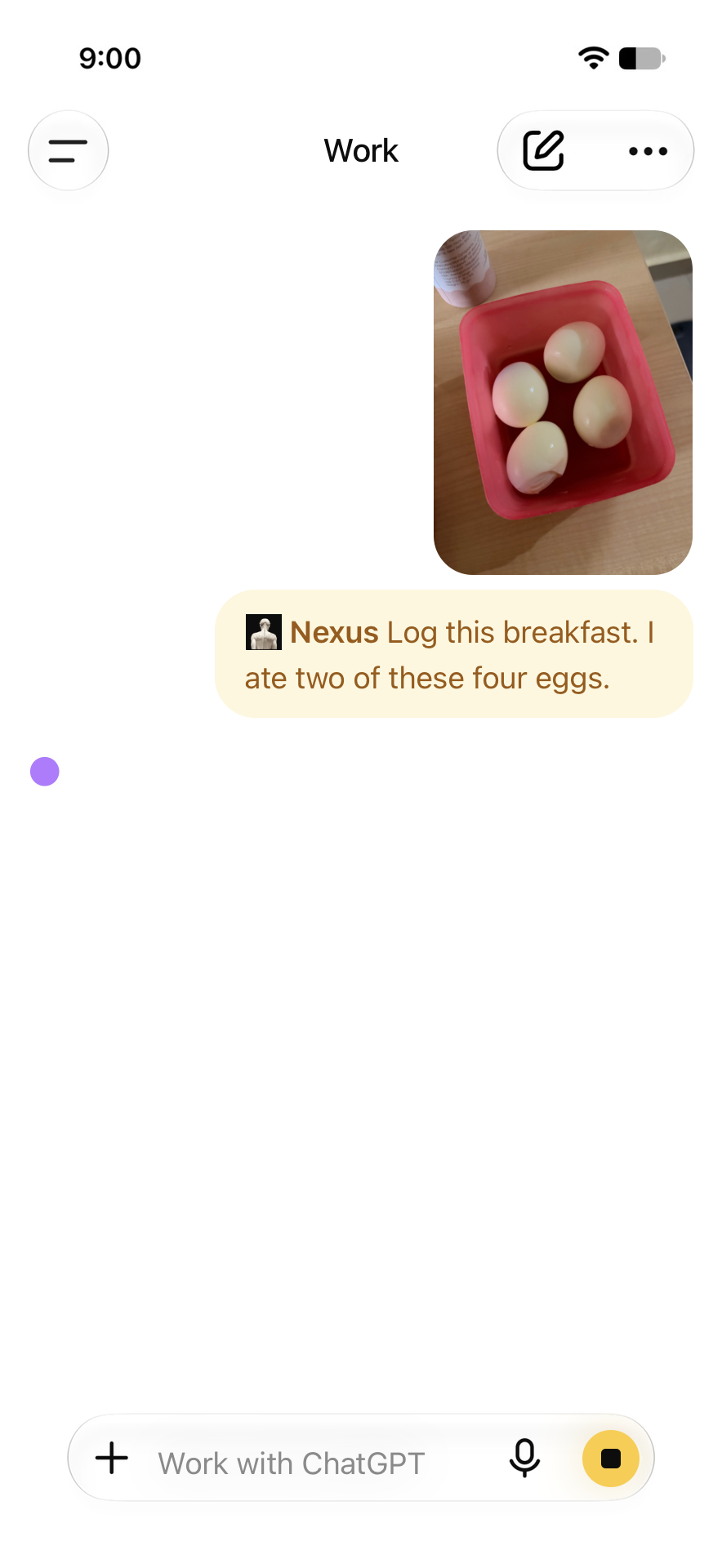 Open full-resolution image: Start with a photo
Scripted demo · released Nexus UI · 14 Oct 2026.
Use your voice
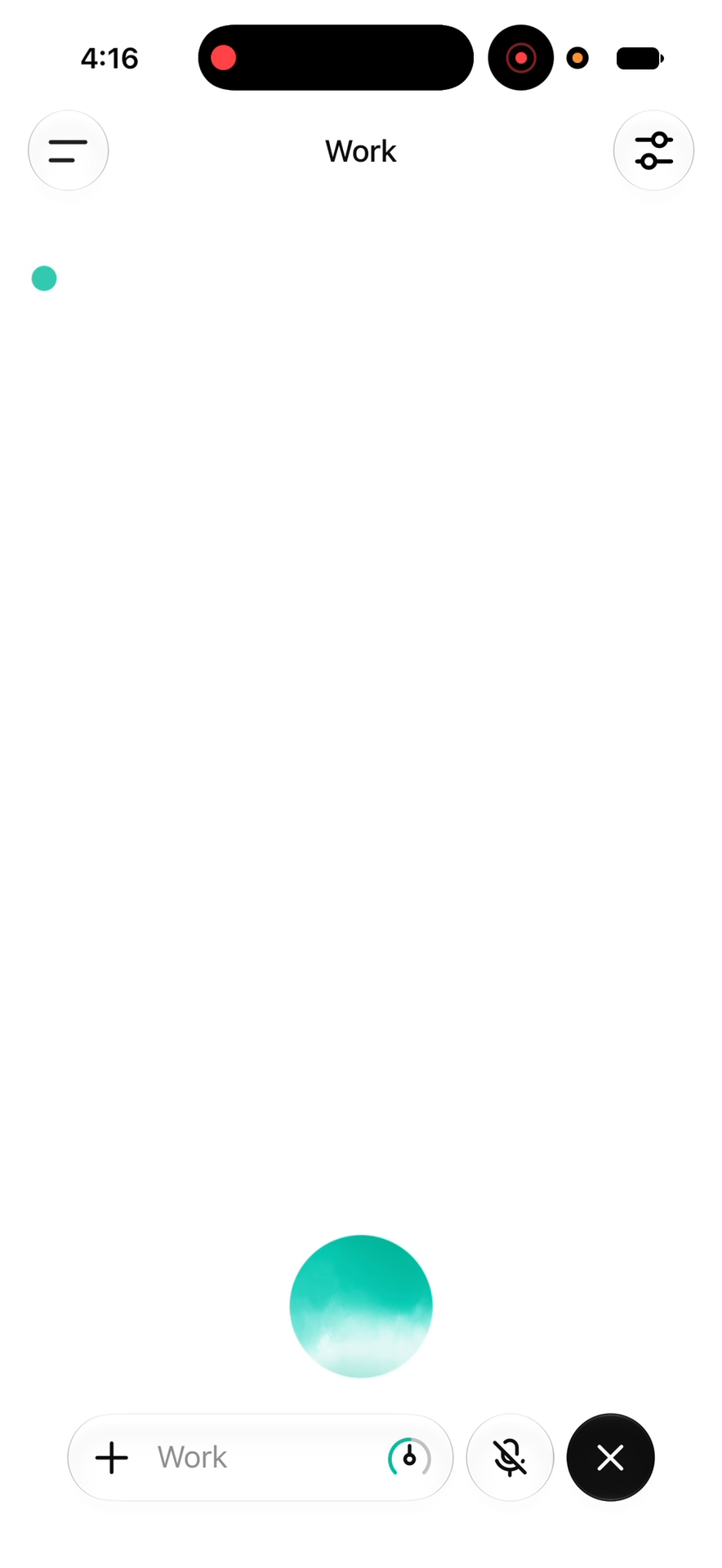 Open full-resolution image: Use your voice
Actual iPhone recording · 7 Oct 2026.
Correct a meal
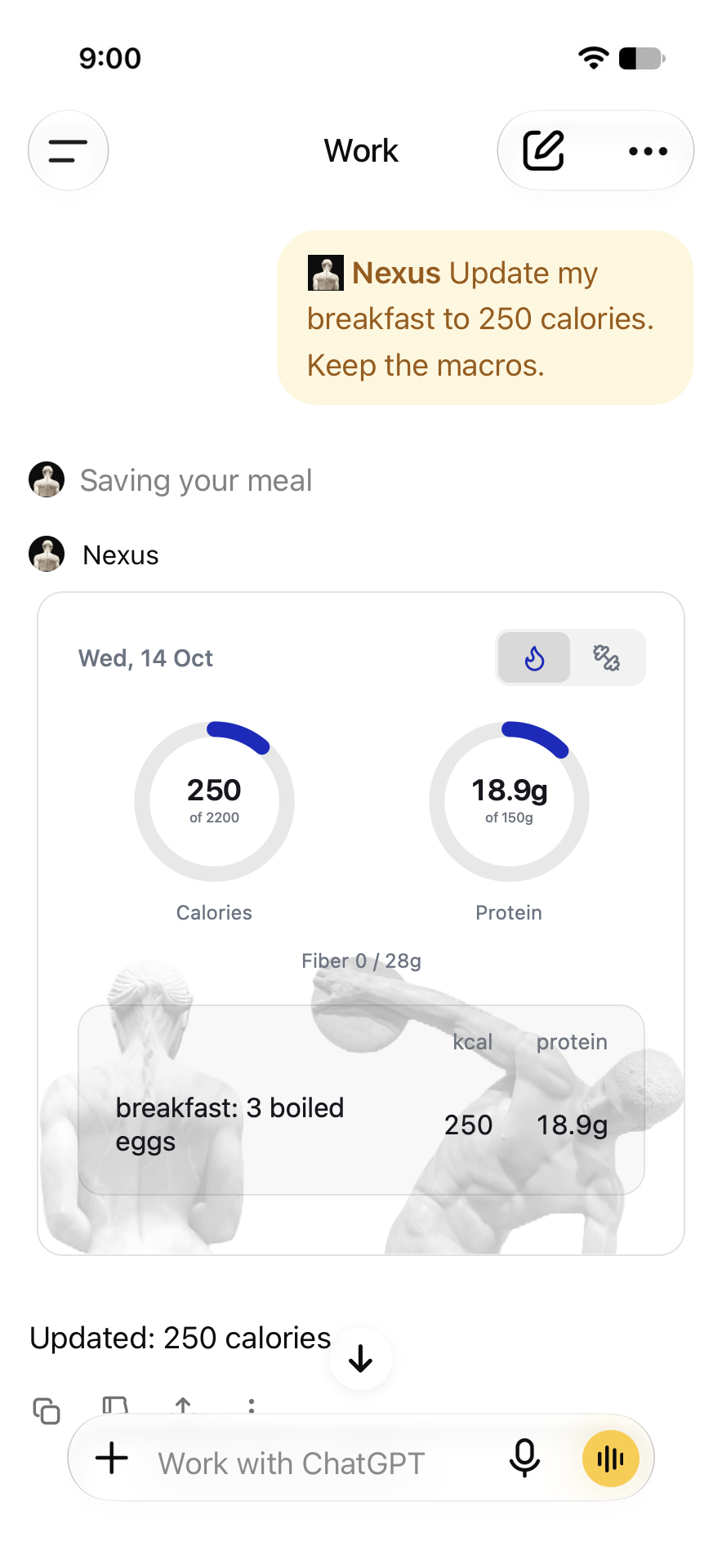 Open full-resolution image: Correct a meal
Scripted demo · released Nexus UI · 14 Oct 2026.
Edit your sets
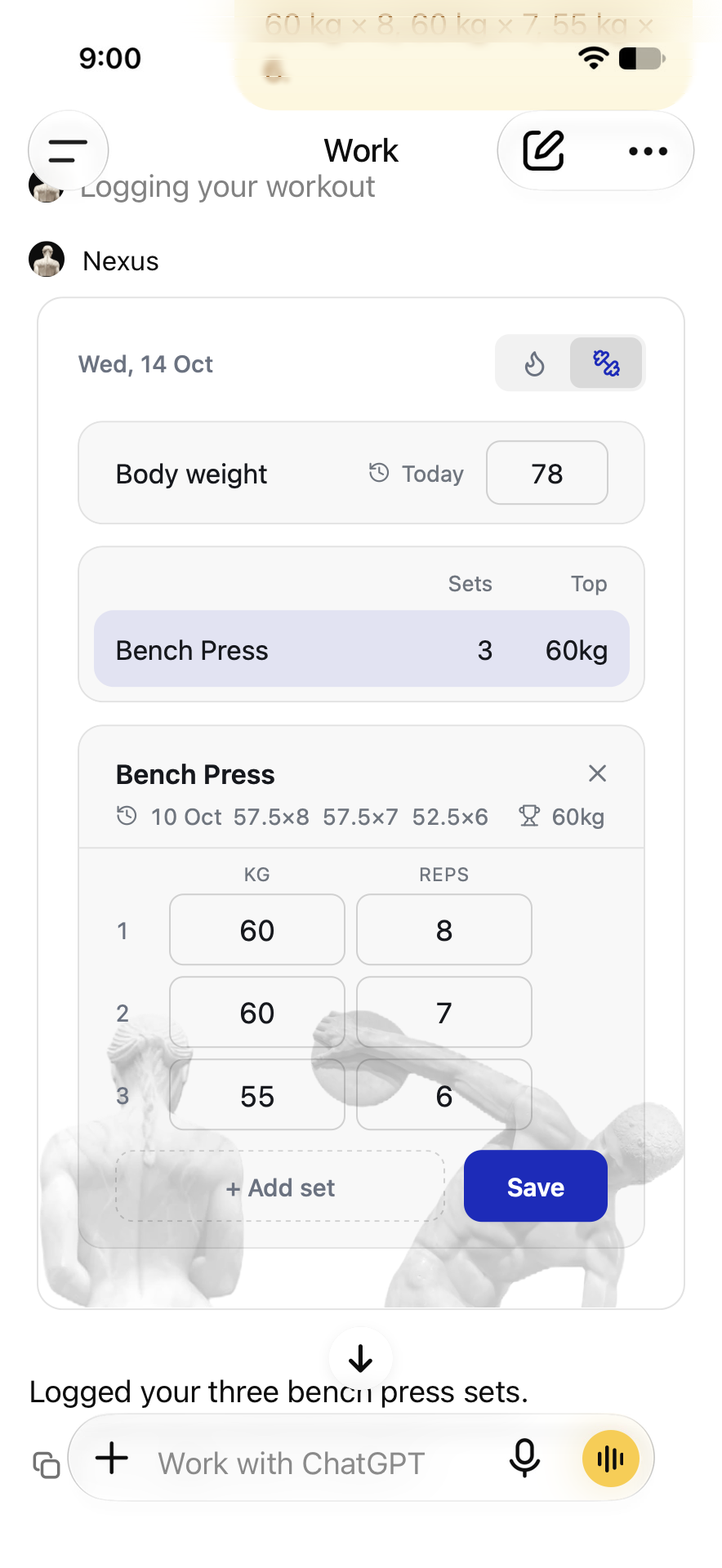 Open full-resolution image: Edit your sets
Scripted demo · released Nexus UI · 14 Oct 2026.
Follow your session
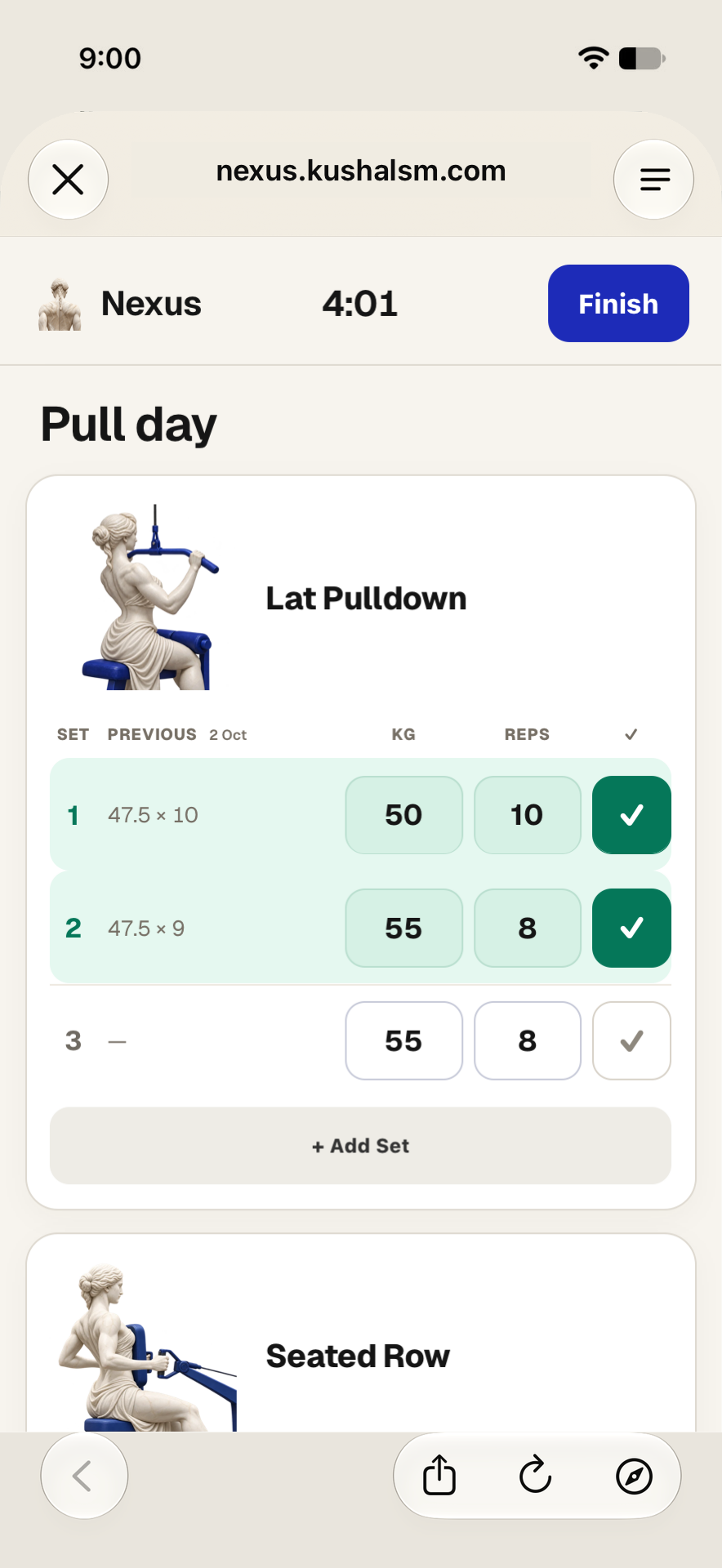 Open full-resolution image: Follow your session
Scripted demo · released Nexus UI · 14 Oct 2026.
Finish and save
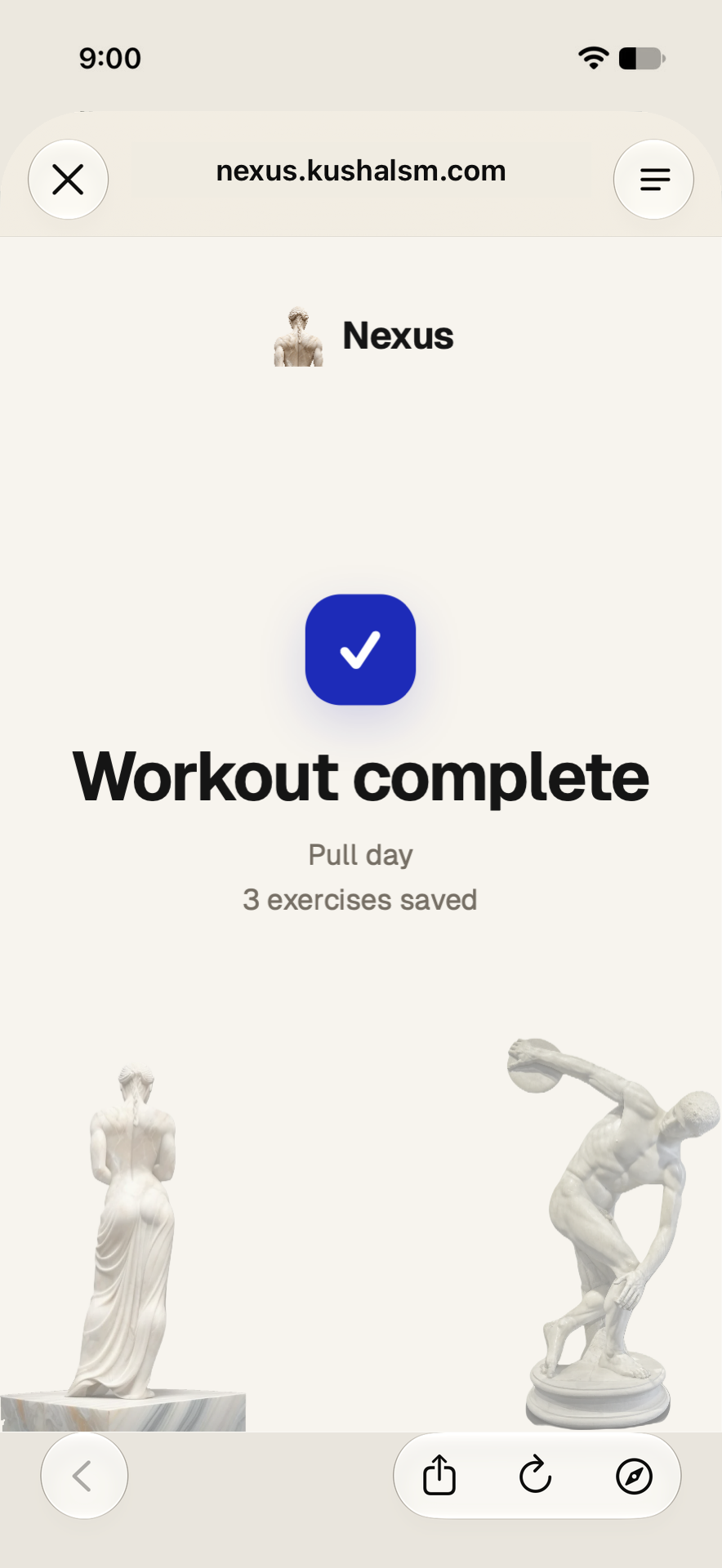 Open full-resolution image: Finish and save
Scripted demo · released Nexus UI · 14 Oct 2026.
Read the product guides
Log your food. Stay in the conversation. · Markdown
What the product does
Nexus is a calorie, macro, workout and body-weight log inside ChatGPT and Claude. The user says what they ate or did; the assistant estimates the numbers; Nexus saves them and shows an editable card of the day.
- Save meals and nutrition estimates supplied by the assistant
- Read and correct saved journal entries
- Log completed workout sets, cardio and body weight
- Create and update workout sessions
- Follow a linked session and finish it into completed logs
- Show an interactive daily journal in supported hosts
How the numbers work
- ChatGPT or Claude estimate calories and macros from the user's text, photo or voice; Nexus saves them and keeps the totals.
- Packaged food: a nutrition-label photo gives the exact label numbers. Restaurants: a photo of the bill, matched to the restaurant's published nutrition.
- Any number can be corrected on the card or by saying so; totals update.
- Workout sessions: tick sets as you go; Finish saves them as the workout log.
- The phone screens use the released Nexus card with example data in a ChatGPT iPhone layout. The Voice screen is a frame of a real iPhone recording from 7 October 2026.
Test it without an account
The sandbox runs the production tools and the real card with throwaway data. Log a meal, read it back, correct it with its id and state_version, read it again. Plain URLs work: /try/api/<session>/log?meal=2+eggs&kcal=156&protein=13, then /try/api/<session>/day. MCP with no auth: https://nexus.kushalsm.com/try/mcp.
Why Nexus is the low-effort option, with sources: Why Nexus · Compare with calorie apps · Questions.
Connect your own account
Add Nexus to ChatGPT or Claude from their directories. Other MCP clients can connect with OAuth:
ChatGPT MCP: https://mcp.nexus.kushalsm.com/mcp
Claude MCP: https://claude-mcp.nexus.kushalsm.com/mcp